Swapping a Drive in a 10-Year-Old FreeNAS Box
My Freenas box is one of those things that I don’t touch unless I need to add capacity or if I pop a drive. Over the years, this box was built from old Nutanix drives, and old web filter chassis, and even a set of four hand me down drives that had been spinning in someone else’s array for 8+ years before I used them. After popping a drive every 3 months for a year or two, I was running out of spares, and patience. So I started replacing them over the past six years, to expand capacity and finally make this thing a reliable piece of hardware that I could count on to hold my stuff.
Recently I purged about 4TB of media. And although I have about 6TB free of 42TB, I wish it was more. I figured with everything going on in the world with increasing costs for global electronic goods, I decided I would replace the last two ancient drives, before they become unavailable, or even more costly (hint: I was right, the price on the new drives just jumped $80 in a single month).
Today, this array consists of:
- 2x 4TB hand-me-down Nutanix (Seagate and HGST, free)
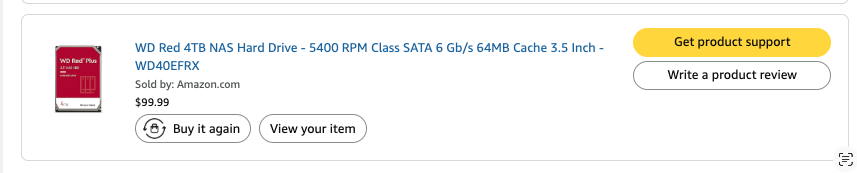
- 2x 4TB WD Red (bought new in January 2020, $100 each, 40GB per dollar)
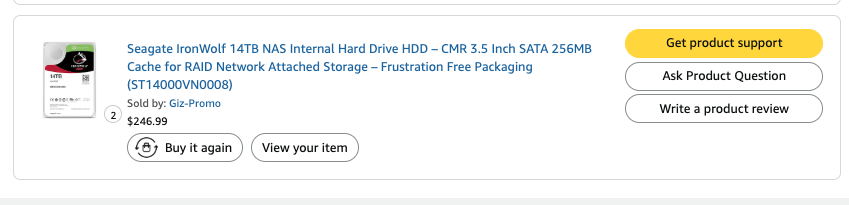
- 2x 14TB Seagate Ironwolf ($247 each November 2022, 56GB per dollar)
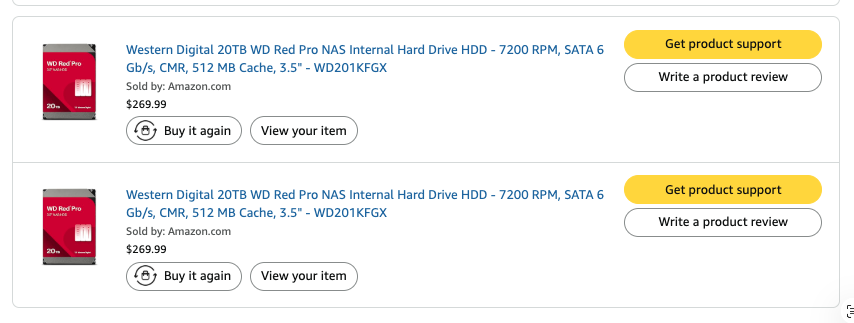
- 2x 20TB WD Red ($270 each July 2023, 74GB per dollar)
The only affordably priced drives, with the capacity I needed were 16TB Seagate Ironwolf. I am not a big fan of Seagate, considering my anecdotal experience with them outside of my array, but the price point and availability were a big factor. WD Reds were outside my budget, and so these were the only drives I could find that I could get within a month.
And even more of a pain in the ass, the limit for both Amazon and NewEgg were one per address, but fortunately both had the same model in stock. So I bought them.
$379 each, 42GB per dollar. Looking back at my pricing and purchase history, I purchased larger drives every time, which gives you better value for your dollar, but the fact I just bought 32TB of disks for 42GB per dollar, that is like I was buying them back in 2020 in the smallest sizing possible.
Table of Contents#
- The Drive
- What Depends on NFS
- Shutting Everything Down
- The Swap
- Bringing It Back
- Resilver Status
- Second Swap
- Timeline
The Array#
Luckily this chassis is on top of everything. I didn’t exactly make everything properly square or spaced when I built this rack, but luck was in my favor today. I love it when I don’t have to fight with my old self’s bad choices.
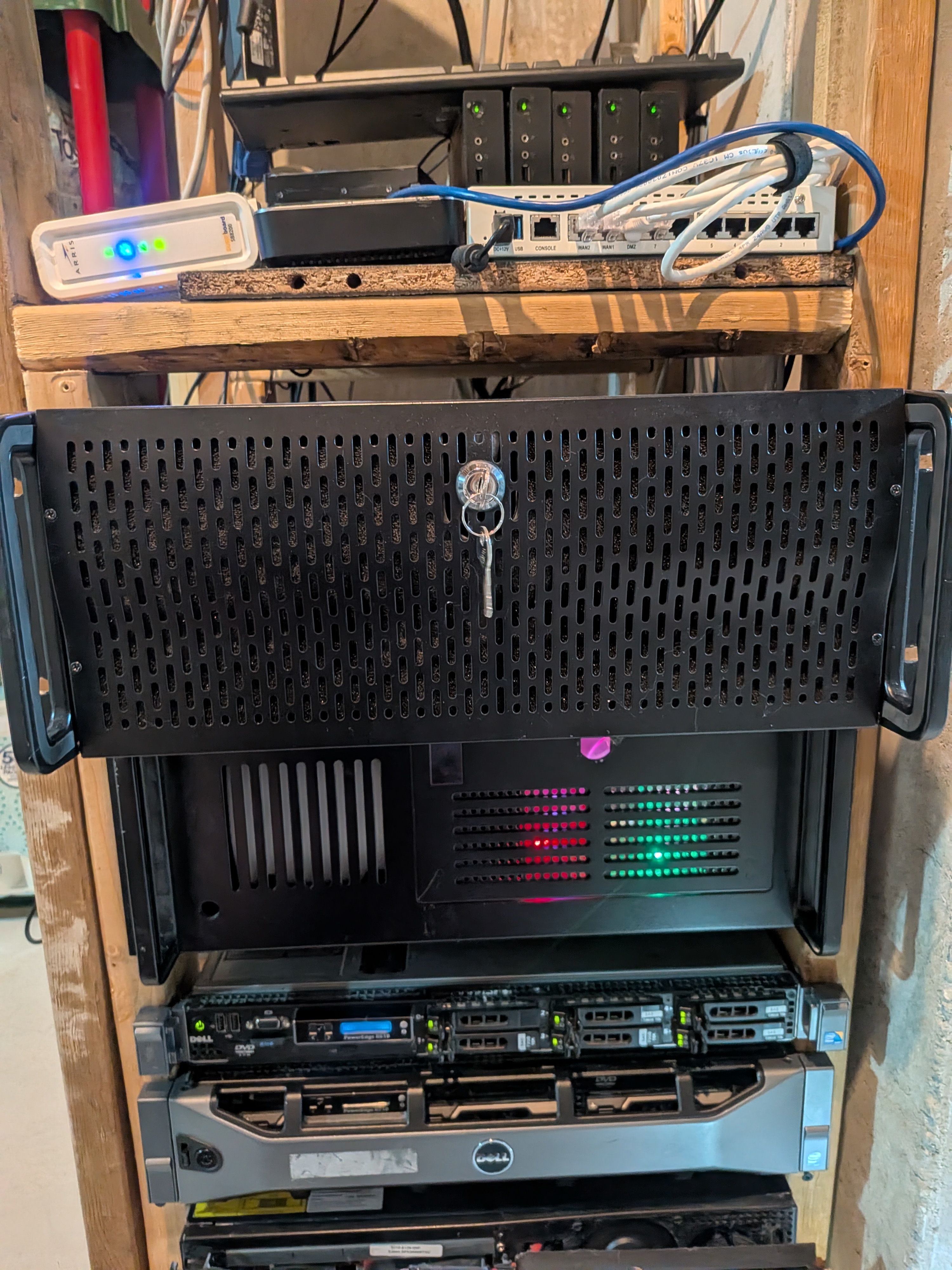
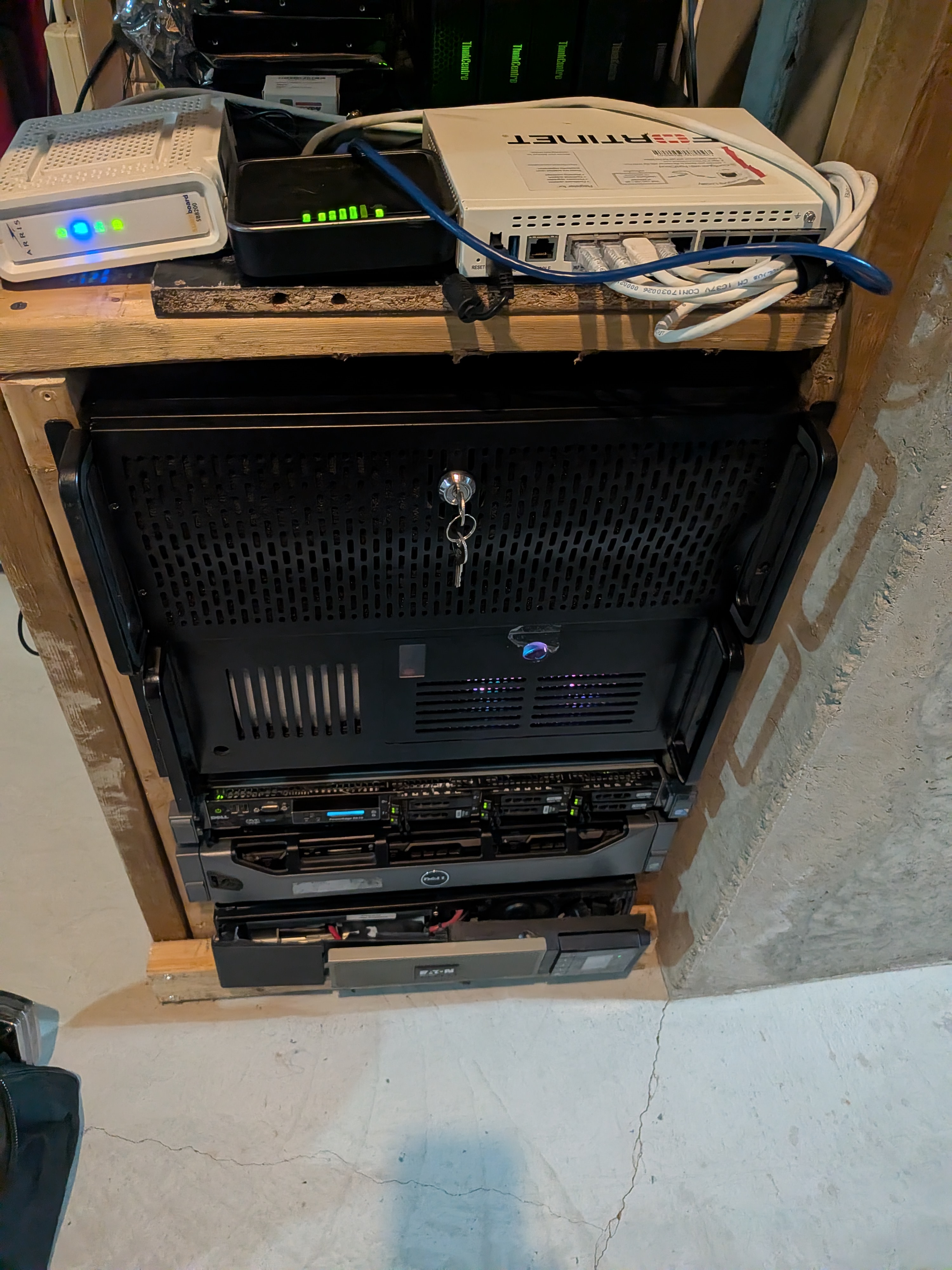
Side Note: The old R710 that I powered down is never going to move until that R610 that sits on top of it dies.
What Depends on NFS#
Everything that touches media goes through NFS on this server. The static PVs in the k8s cluster and Plex on big-boi all mount from this box.
K8s deployments using NFS:
| Deployment | NFS Volumes |
|---|---|
| plex | nfs-tv, nfs-movies, nfs-music (direct NFS mounts) |
| app | nfs-media-tv, nfs-media-anime |
| app1 | nfs-media-movies, nfs-media-anime |
| app2 | nfs-media-music, nfs-downloads |
| app3 | nfs-media-music |
| app4 | nfs-media-audiobooks |
| app5 | Shares app3-data PVC; breaks without app3 |
big-boi:
| Service | NFS Usage |
|---|---|
| Plex | Mounts media libraries over NFS |
That’s seven k8s deployments and one Docker container on big-boi. Everything else in the cluster either uses Longhorn PVCs or doesn’t touch storage at all, so they stayed up.
Shutting Everything Down#
Scaling down the k8s deployments:
kubectl scale deployment -n heezy \
  app1 app2 app3 app4 app5 app plex \
  --replicas=0
All seven went to zero. No problem; pods terminated cleanly since none of them have finalizers or preStop hooks that would hang on an NFS mount going away.
Stopping Plex on big-boi:
ssh secretadminname@big-boi "sudo docker stop plex"
With everything down, nothing was holding open NFS connections to the FreeNAS box. Safe to pull the drive.
The Swap#
Now to power down…
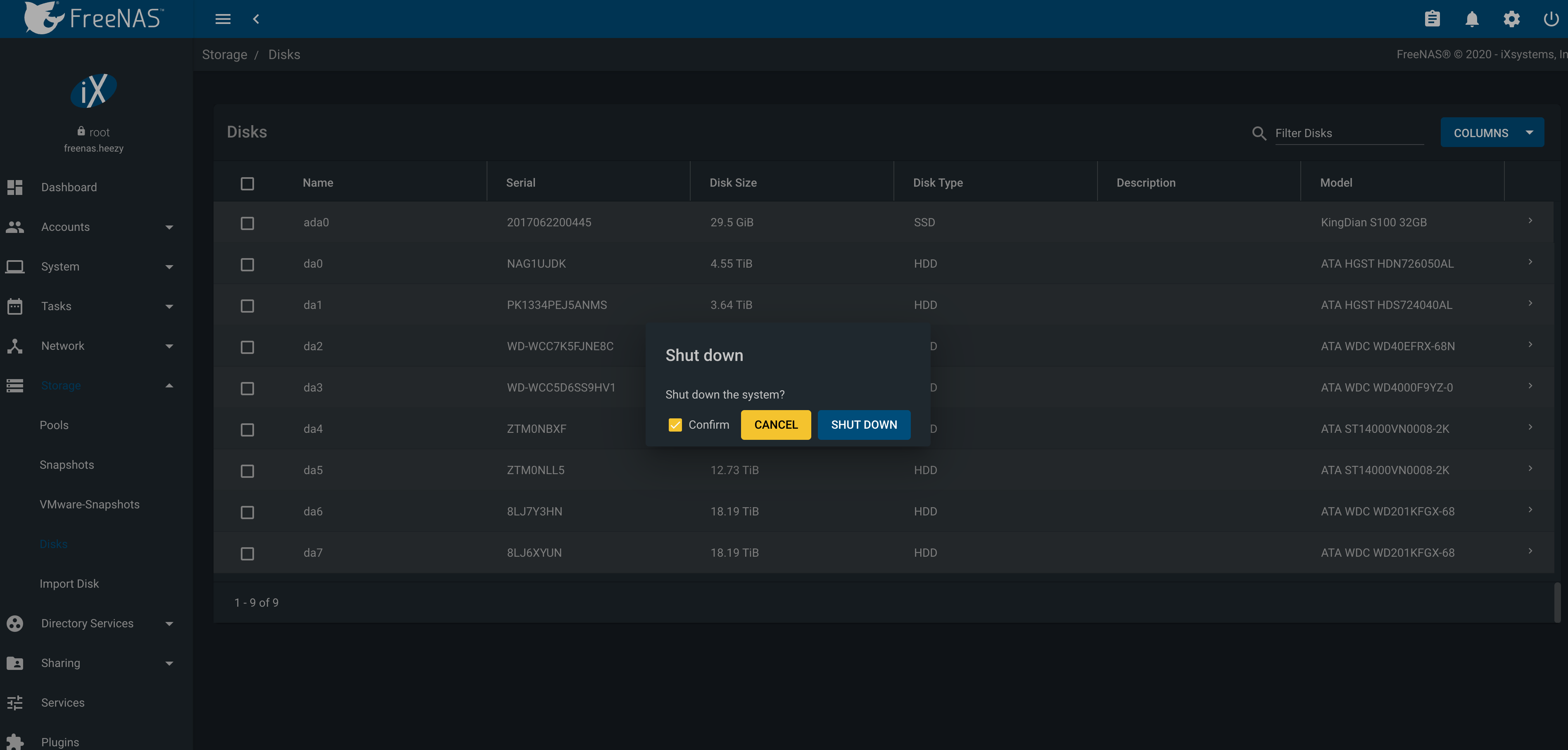
… pull the case and swap the drive.
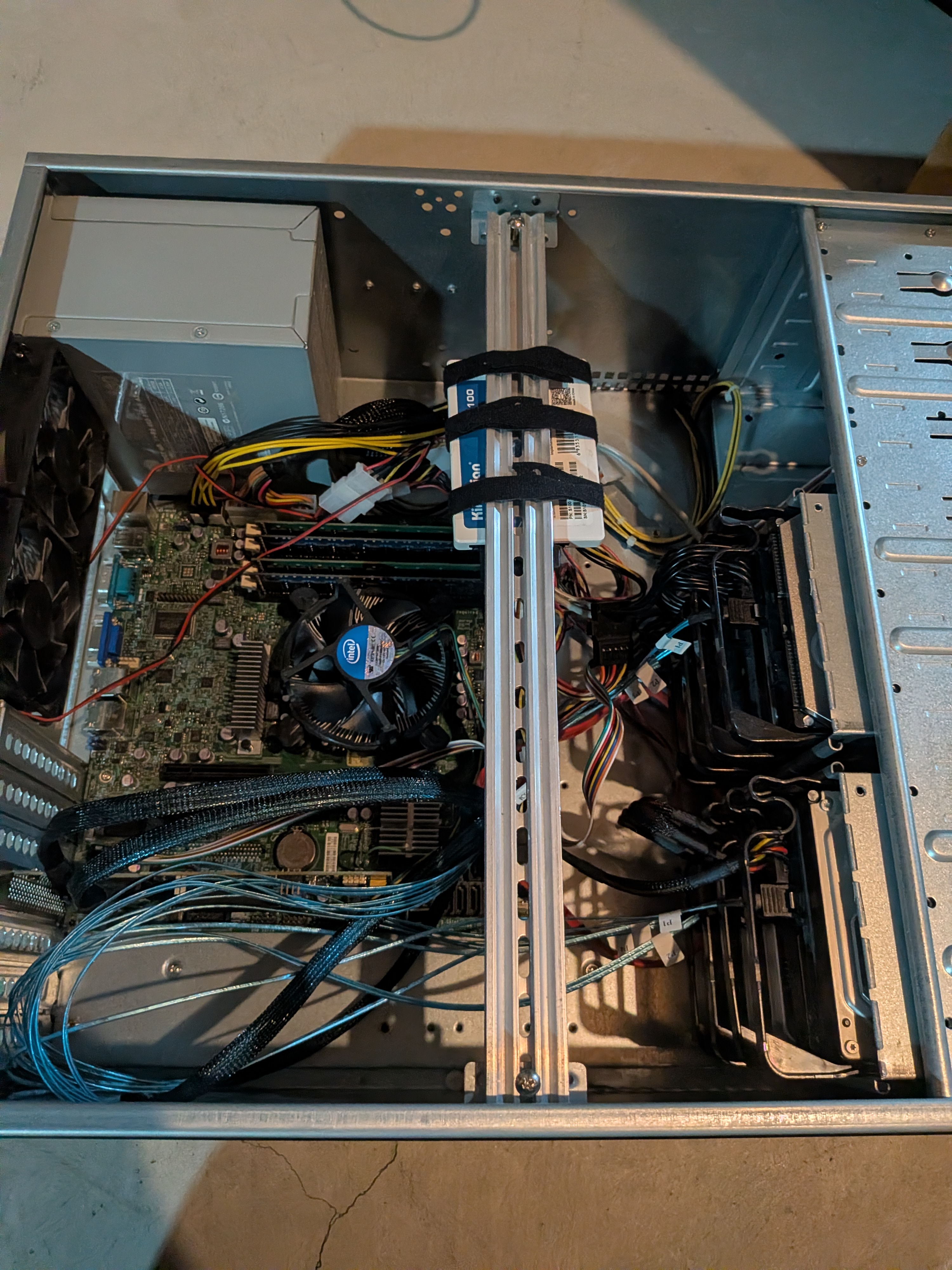
Changing it was pretty easy, by identifying the two disks by serial number, I pulled and swapped with the new hardware.
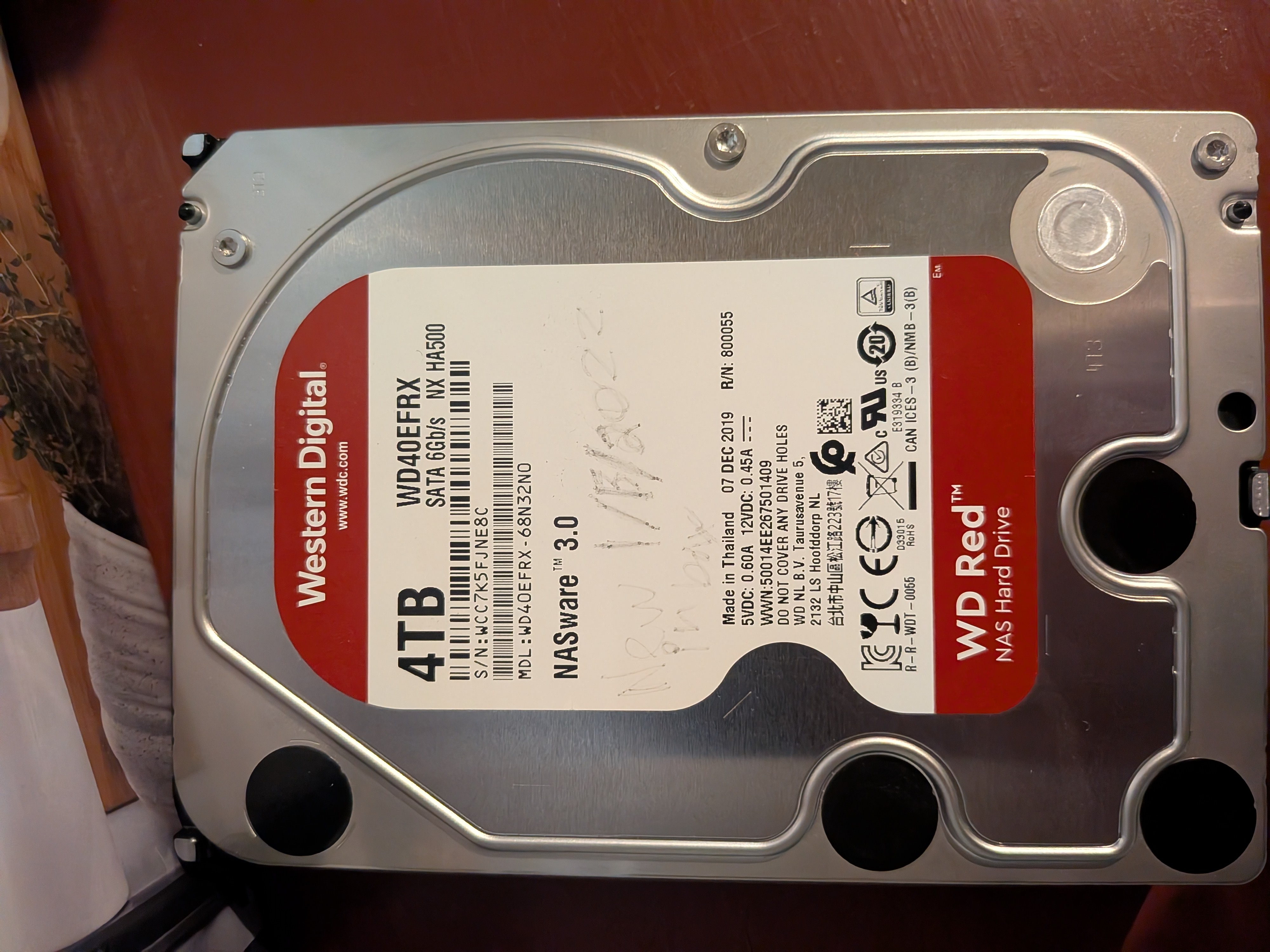
I saw that I wrote on this one “new in box 1/13/2022”. I bought this as a replacement drive in 2020. I don’t remember
when I put it in. Either way, I’m keeping this one to add to the pile of my other drives that I might start another
array with.
After seating the new drive, I powered it back up. Waited for it to boot.
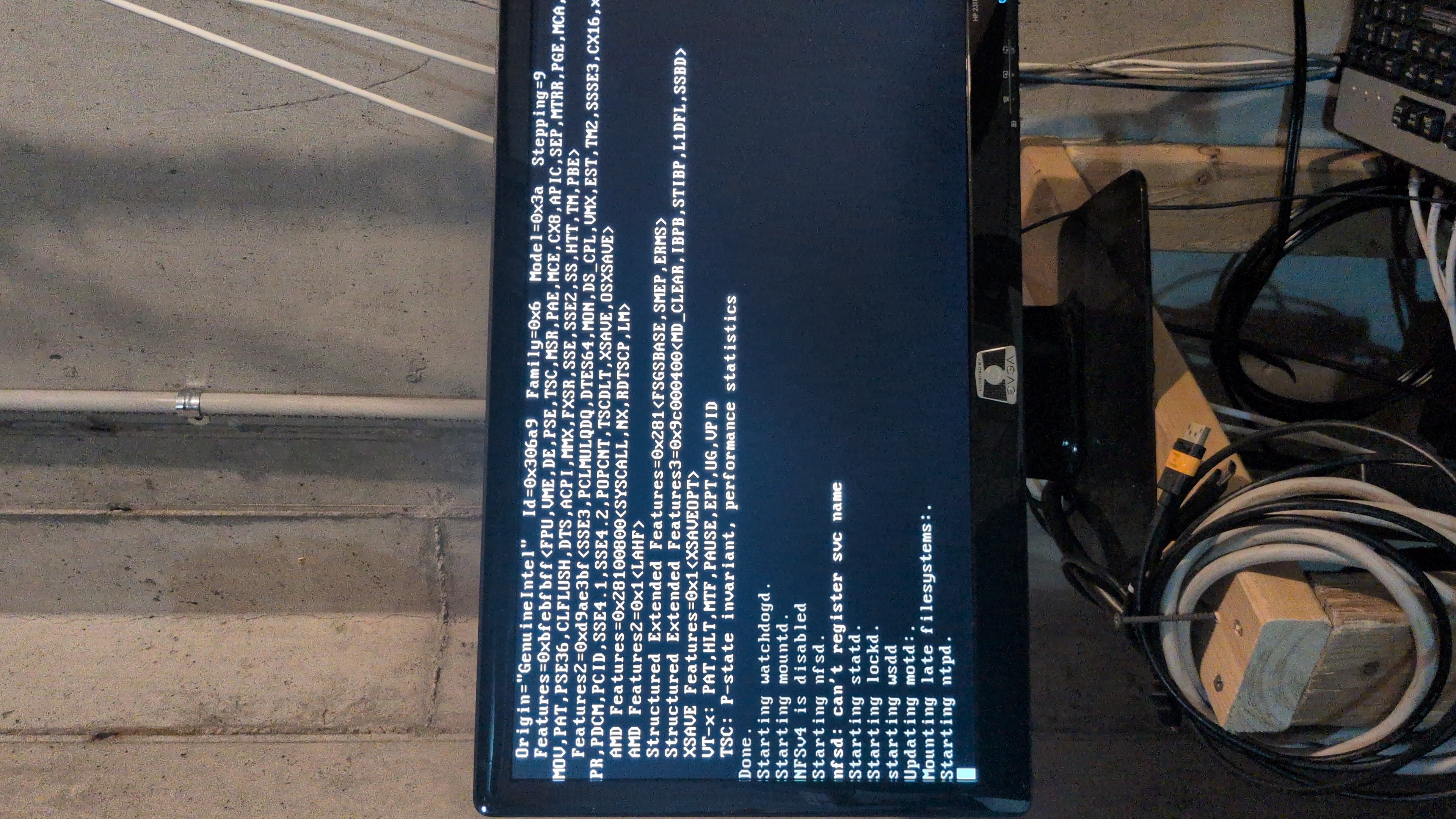
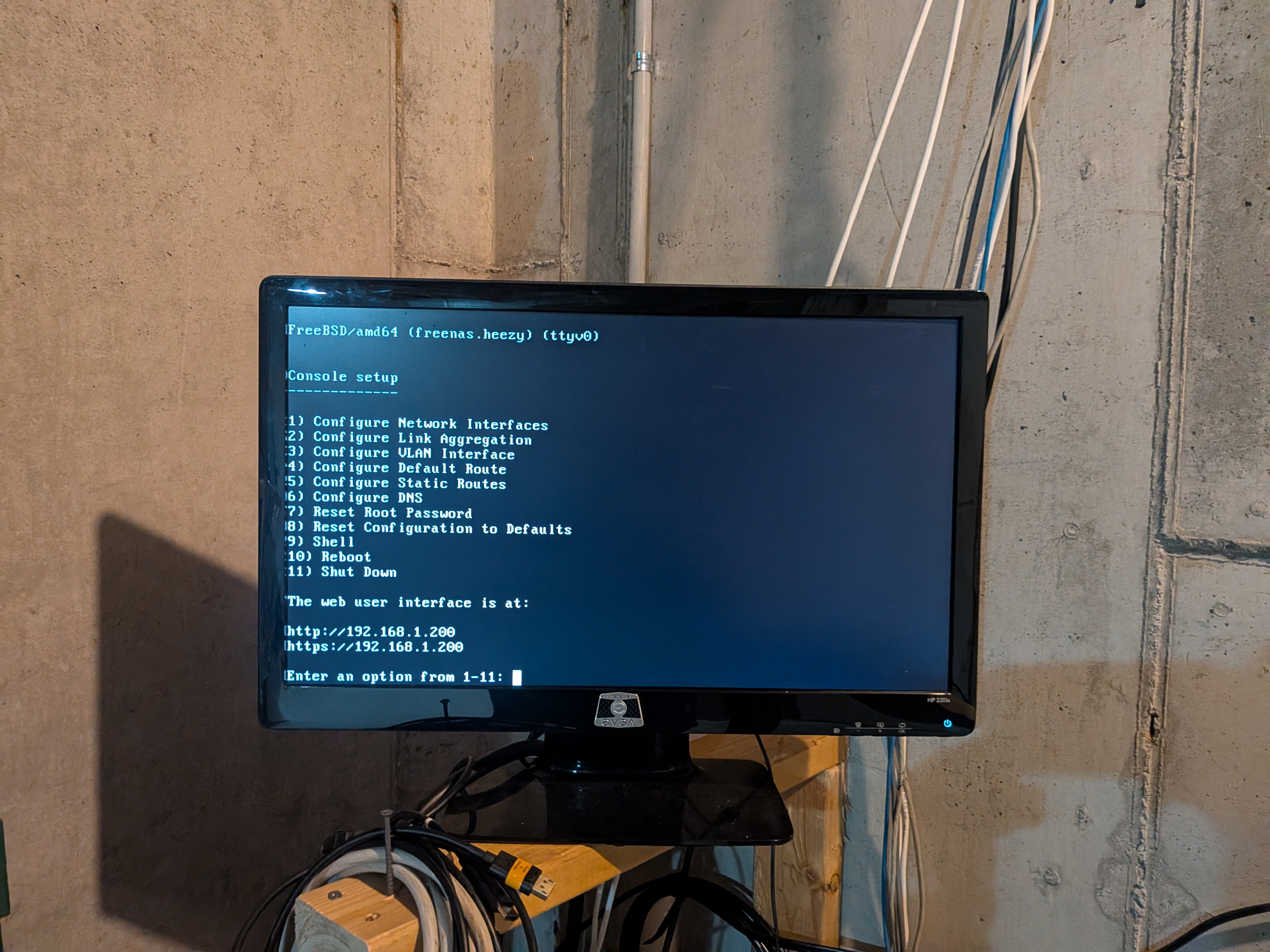
After logging into the UI, Freenas detected the new drive. All I had to do was navigate the UI to the pools, select the drive and use the “replace” option and resilvering would begin.
Bringing It Back#
After resilvering was started, I had to start it all back up again:
kubectl scale deployment -n heezy \
  app1 app2 app3 app4 app5 app plex \
  --replicas=1
ssh secretadminname@big-boi "sudo docker start plex"
All pods went through ContainerCreating as they re-attached NFS mounts, then came up healthy. Plex on big-boi started without issues.
Resilver Status#
The first resilver completed successfully overnight. The second resilver started on April 21 after the second drive swap. With the larger replacement drive, the resilver is estimated to take approximately 12 hours. Pool is degraded until it finishes.
Free space after both swaps: 17.19 TB, up from roughly 6 TB before. The gain comes from replacing smaller drives with larger ones. The difference between advertised and usable capacity is the usual ZFS tax: binary vs decimal TB conversion (a “20TB” drive is ~18.2 TiB), parity overhead in the RAIDZ vdev, metadata and checksums, and the ~3% slop space ZFS reserves as a performance buffer.
Second Swap#
Two days after the first swap, the second drive in the pool needed to come out. Same procedure: scale down the seven NFS-dependent k8s deployments, stop Plex on big-boi, swap the physical drive, bring everything back up.
The shutdown and startup were identical to the first swap. The only difference was that this time the pool already had a freshly resilvered drive from the first swap, so there was no compounded risk from overlapping resilvers.
After replacing the second new disk, and selecting the “replace” option through the UI, I was done.
All services came back up cleanly, and I’ll get an email from my Freenas when the alert clears, so hopefully I don’t have to touch this
Timeline#
All timestamps in UTC (EDT + 4 hours).